
 Mexico - Español
  China - 中文
  Australia - English
  Canada - English
  India - English
  United Kingdom - English
  United States - English
  France - Français
  Italy - Italian
  Brazil - Português
  Argentina - Español
  Chile - Español
  Colombia - Español
  Guatemala - Español
  Puerto Rico - Español
  Spain - Español
 Attach customs documents when creating the label for your international shipment
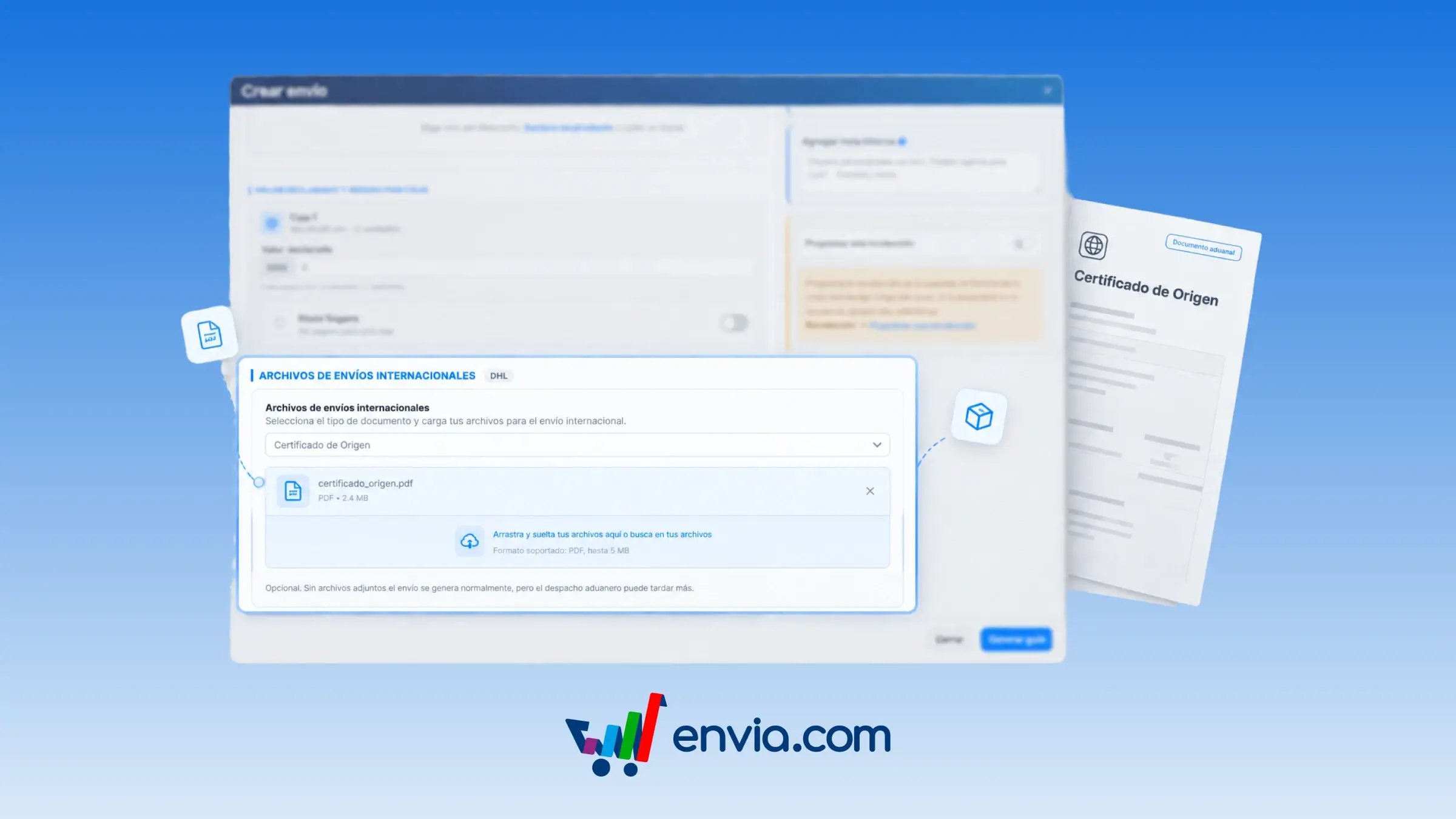
When you create an international shipment with DHL, UPS, Chronopost, or GLS, you can attach the PDFs customs requires in the same step where you declare the contents of each box. Choose the document type and upload the PDF; it stays pending and isn't sent yet. When the label is generated, Envia uploads those files to the carrier along with the tracking number. If the carrier generates one label per box, you choose which box each PDF applies to or apply it to all of them. Use it for the certificate of origin, the proforma invoice, or any permit required in addition to the invoice Envia already prepares. The documents stay linked to the label, so clearance isn't held up waiting for a file you uploaded later.
Benefits
- Choose the document type and, when there's one label per box, decide whether the PDF applies to one box or all of them.
- When the label is generated, Envia uploads the pending files, and if one fails, you can retry it from the shipment's documents.
- The carrier receives each PDF linked to its label for customs clearance at the destination.
Note
Optional: the label is still generated if you don't attach any files. This step appears when creating labels for international DHL, UPS, Chronopost, and GLS shipments when the carrier supports document types.