
 Mexico - Español
  China - 中文
  Australia - English
  Canada - English
  India - English
  United Kingdom - English
  United States - English
  France - Français
  Italy - Italian
  Brazil - Português
  Argentina - Español
  Chile - Español
  Colombia - Español
  Guatemala - Español
  Puerto Rico - Español
  Spain - Español
 Apply a fixed amount or percentage discount when creating a manual order
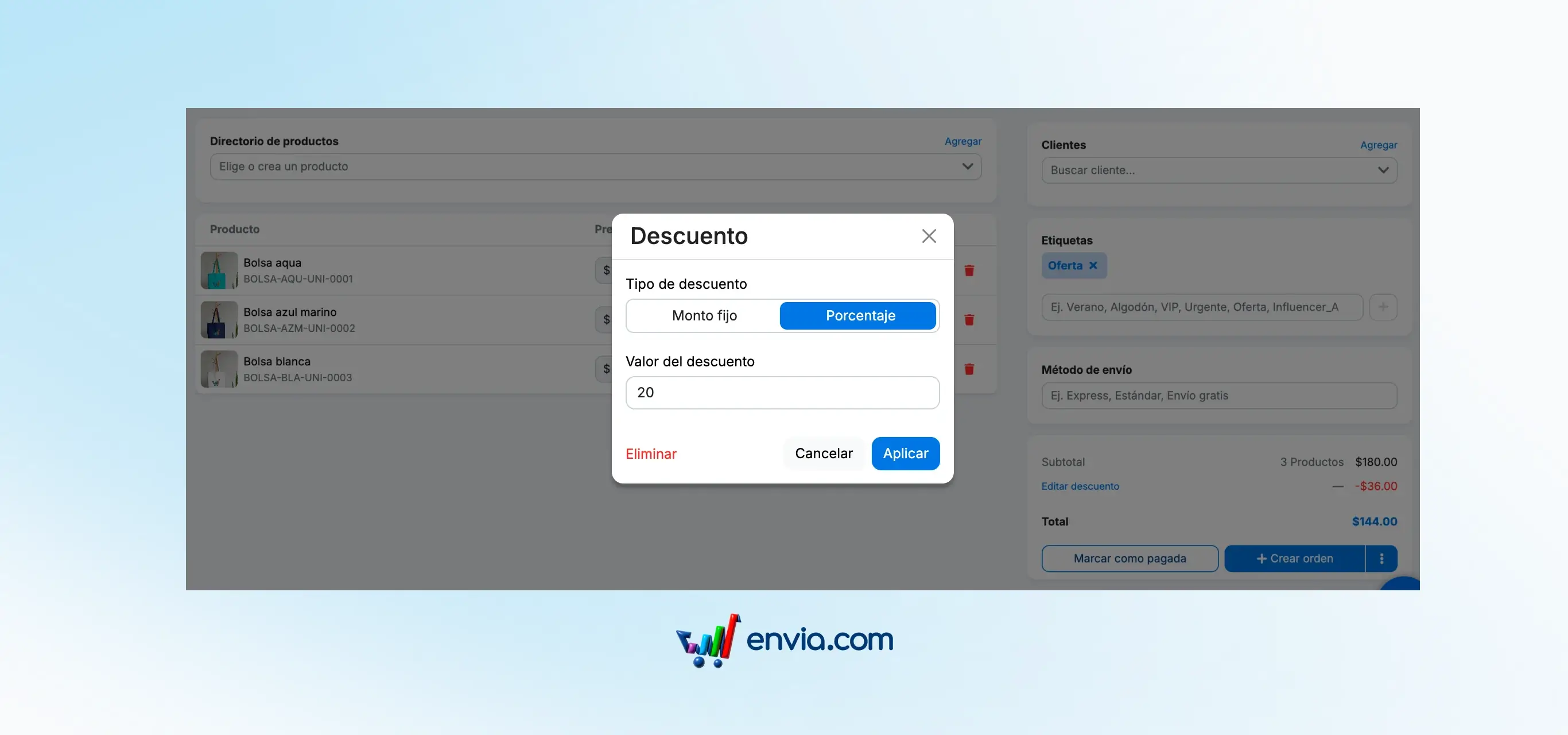
When creating a manual order in Envia, you can apply a fixed amount or percentage discount directly from the totals card. Click "Add Discount," choose the type and value, and the total is adjusted instantly — even if you add more products later. This way your orders reflect exactly what you agreed with your buyer, without calculating anything outside the platform or making subsequent adjustments.
Benefits
- Apply the correct discount from the same order — without opening a calculator or doing separate calculations
- Avoid overcharging or undercharging your special clients: the final price is recorded in the order
- You decide: discount in fixed amount or in percentage, with full control of the price before confirming the order
Note
Nothing disappeared. The manual order creation flow is the same — it now includes a discount section within the totals card. Your previous orders are not modified.