
 Mexico - Español
  China - 中文
  Australia - English
  Canada - English
  India - English
  United Kingdom - English
  United States - English
  France - Français
  Italy - Italian
  Brazil - Português
  Argentina - Español
  Chile - Español
  Colombia - Español
  Guatemala - Español
  Puerto Rico - Español
  Spain - Español
 Filter and sort your product catalog by active or inactive status with one click
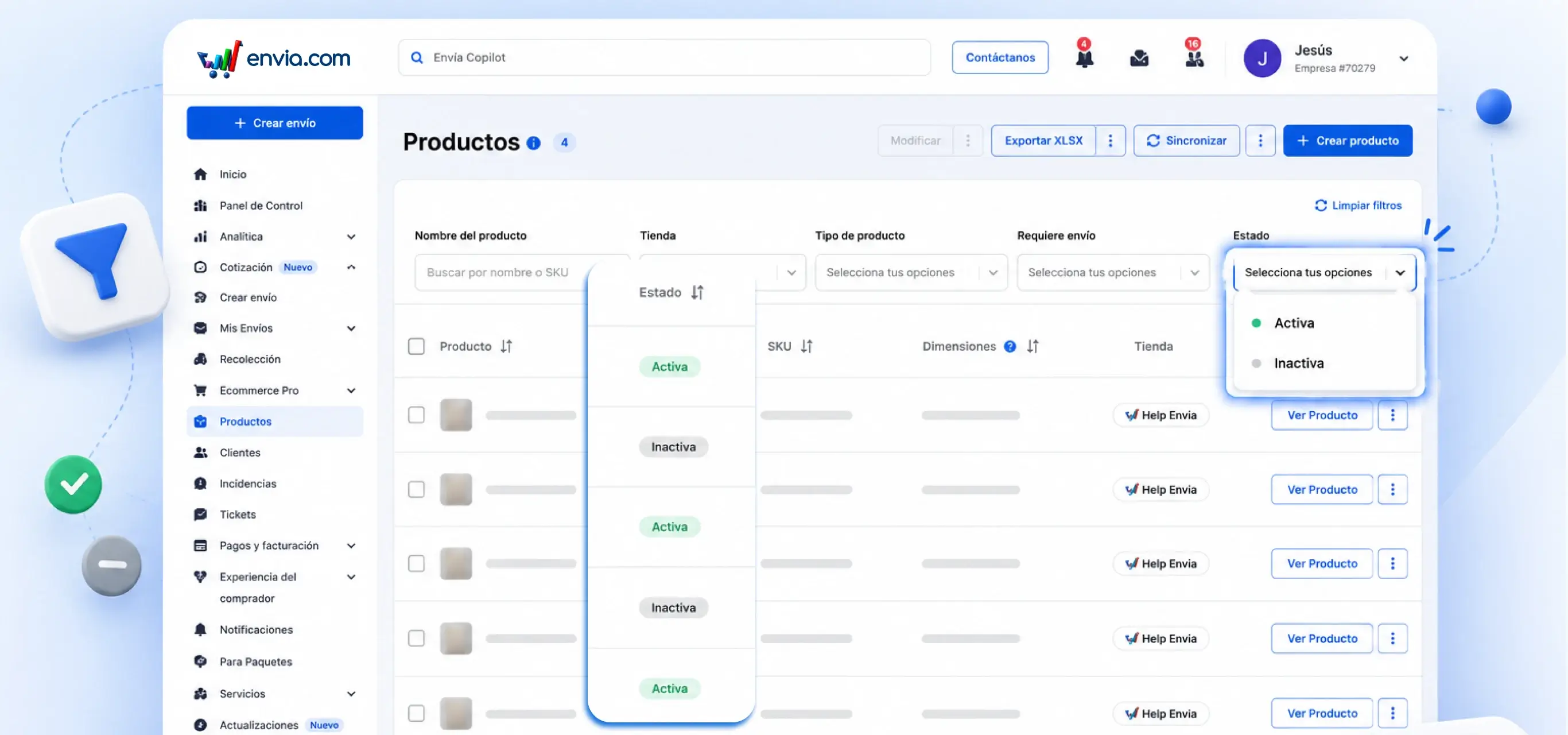
In the Products table you can now filter by Status: Active or Inactive and sort the Status column with one click. Select the status in the filter and the table instantly shows only the products in the group you chose. The green badge indicates Active, the gray indicates Inactive. This way you quickly identify which products should not be inactive and correct them before a buyer searches for them and cannot find them.
Benefits
- Filter only Active products or only Inactive products from the Status dropdown without reviewing one by one
- Detect inactive products before a shopper tries to order them and has a bad experience
- Sort your entire table by status and always be clear about the difference between what is published and what is paused
Note
Nothing disappeared. Your products, prices and settings are still intact, just a filter and a status column have been added to the table. No products changed status due to this update.